
AstroTrip
iPhone · iOS 18 or later
Enjoy the stars.Keep the memories.
Explore the star chart. Discover constellations in your photos. Turn a night under the stars into artwork and memories.

Star chart
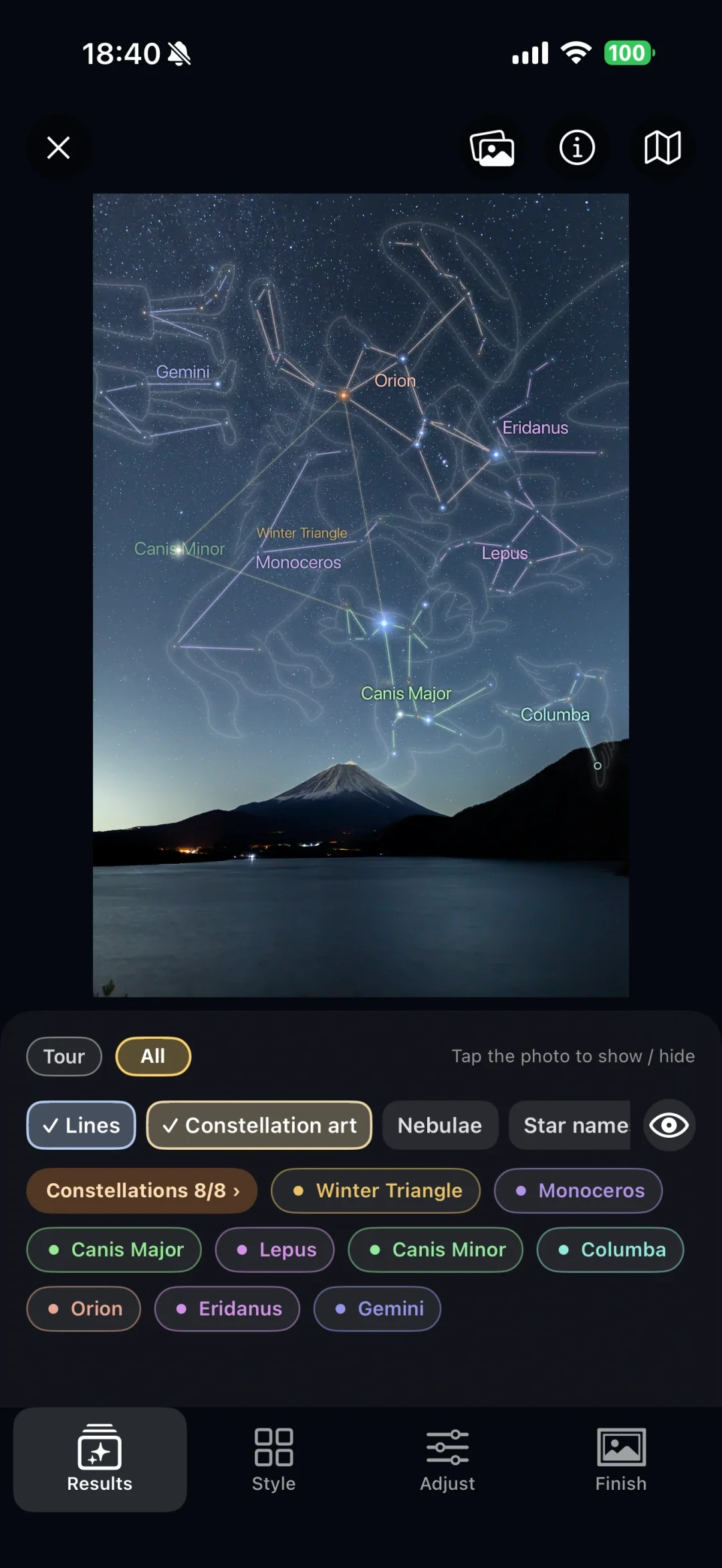
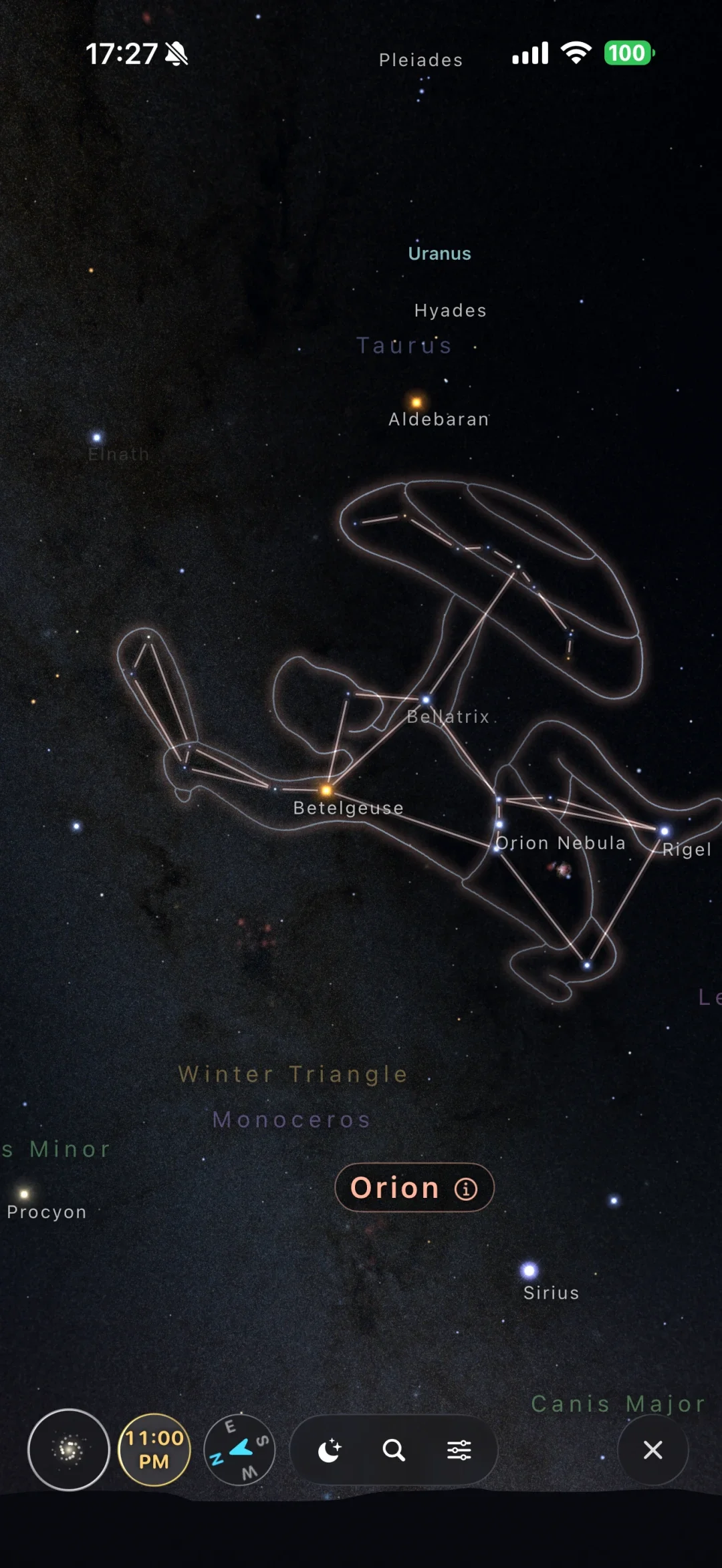
Open the sky. No photo needed.
Explore a star chart with constellation lines and illustrations as your guide. You can begin with a little curiosity, even before taking your first night-sky photo.
Night-sky editing
Bring out your night sky.
Deep calms a sky washed out by city lights and helps the stars stand out. Drag the divider to compare the same photo in Standard and Deep. There is also a Natural style, and you can fine-tune further by hand.
Both sides show the same photo in the app, with only the style changed and constellation lines and art turned off. This is not a comparison with the original camera file. Results vary by photo.
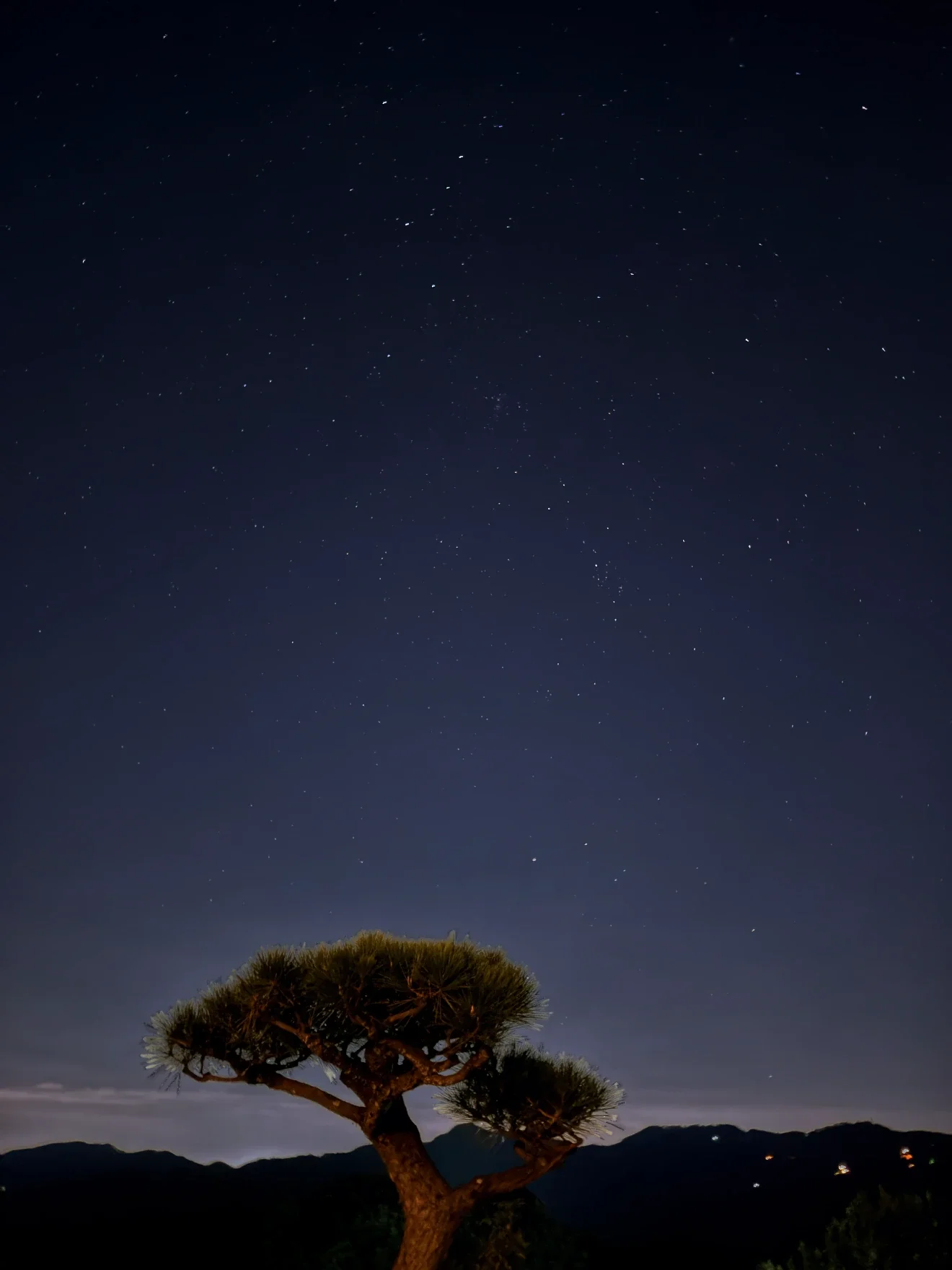
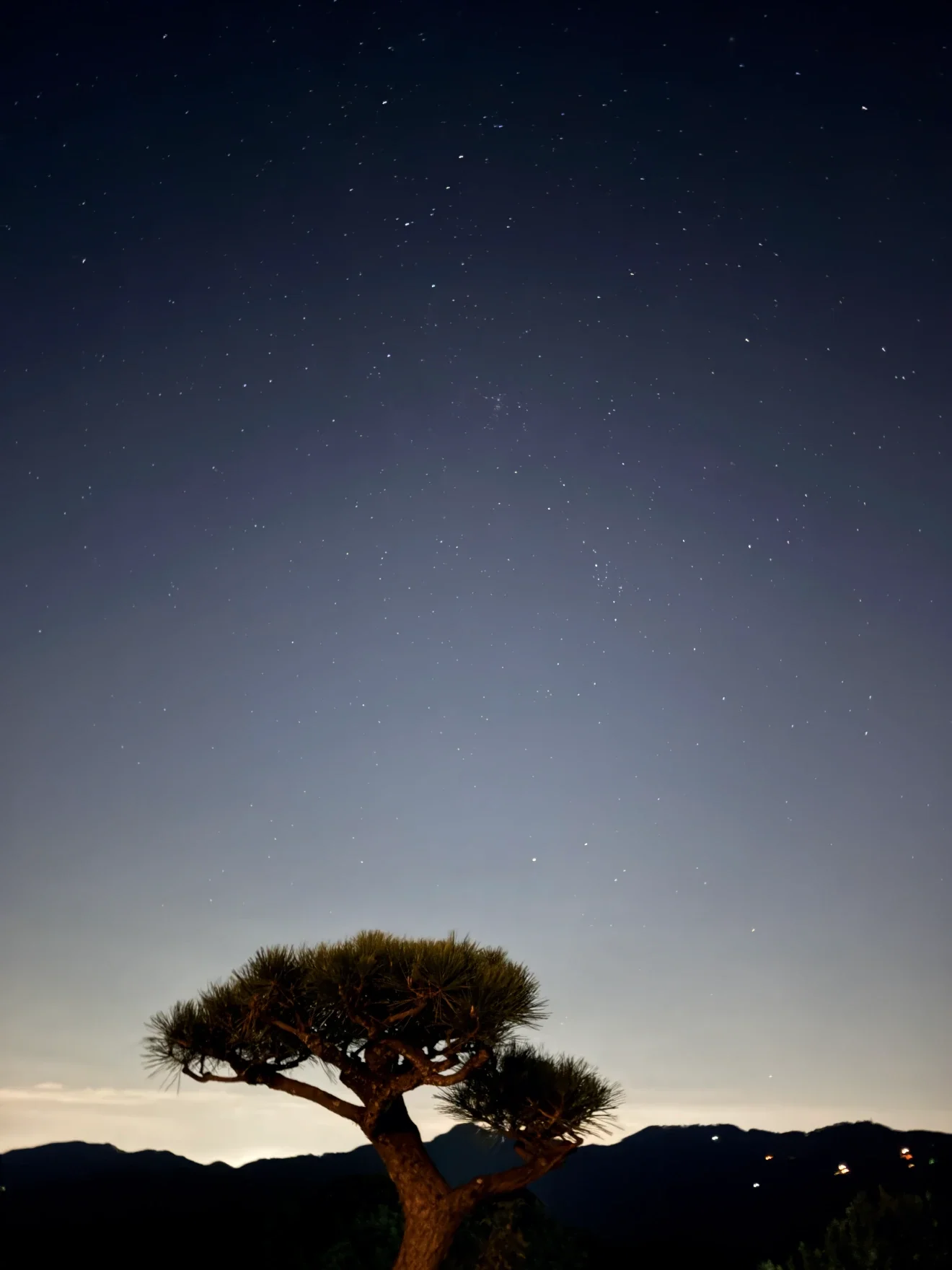
Drag to compare
Sky Album
Keep a night under the stars.
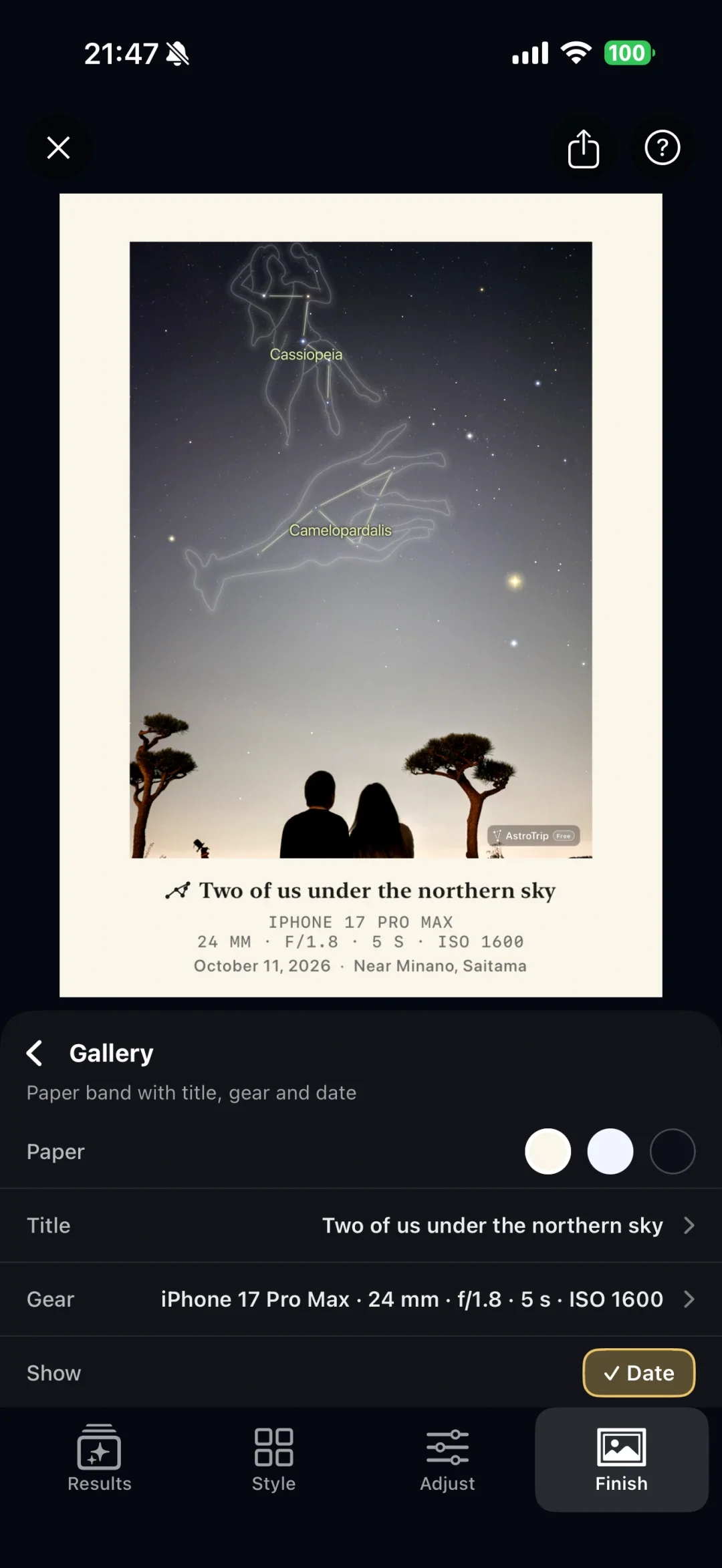
Adjust the mood of your photo, add constellation art and a frame, and make something personal. Keep the people and the landscape that made the moment yours.
Your works are kept in your Sky Album, night by night. Gather them into photo books and come back to the photos and the story of each night.
Actual Sky Album screen.
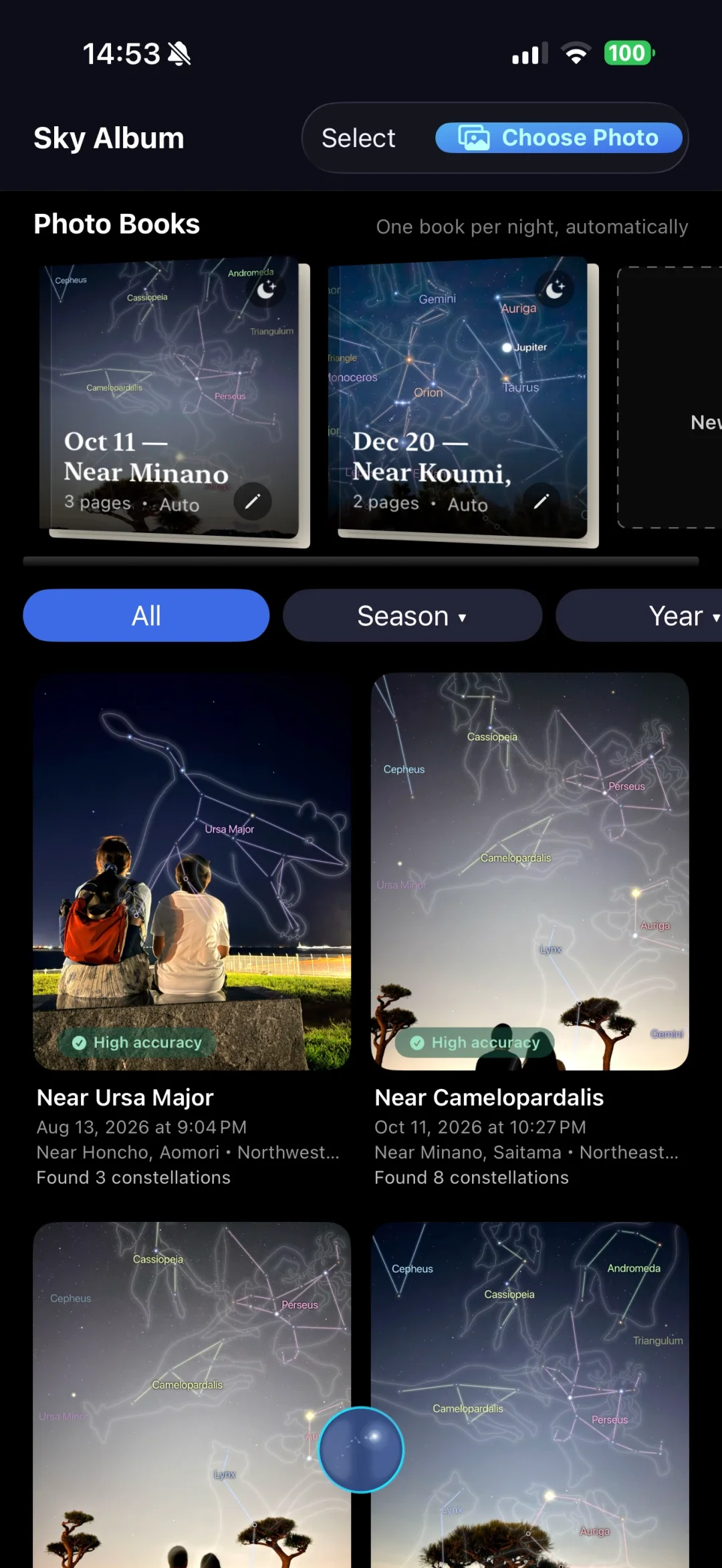
In the app
A closer look at AstroTrip.
Choose a short app demonstration to see how the sky and your photos come together.
Constellation names and illustrations over Mount Fuji and southern-sky photographs.
Videos load when selected. They have no spoken narration.
Shooting tips
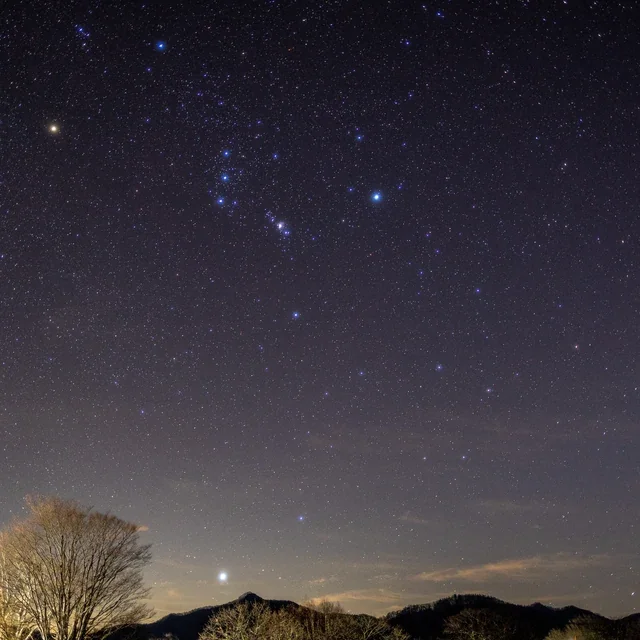
Start with a photo like this.
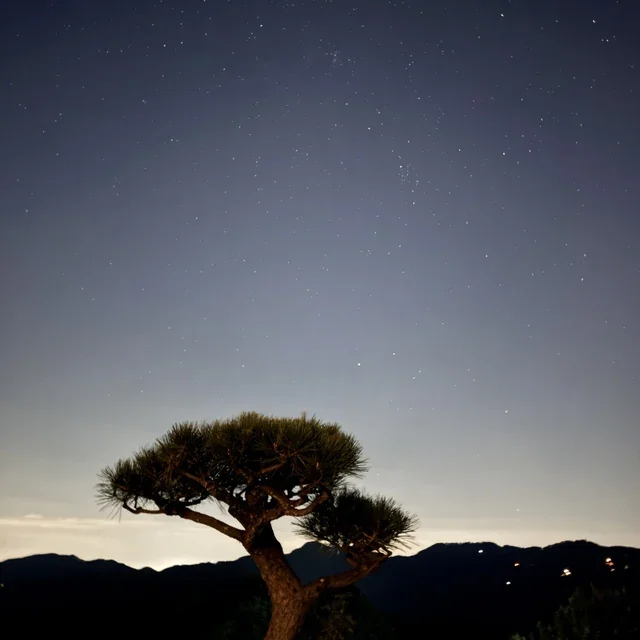
Recommended
Night-sky photos taken with a phone
Worth a try
Starscapes taken with a camera
Not supported
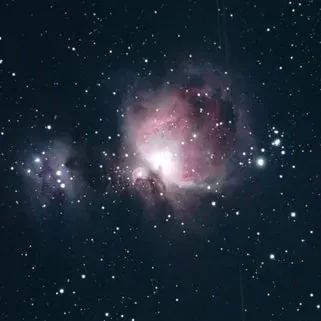
Telescope close-ups of nebulae and galaxies
Not suitable
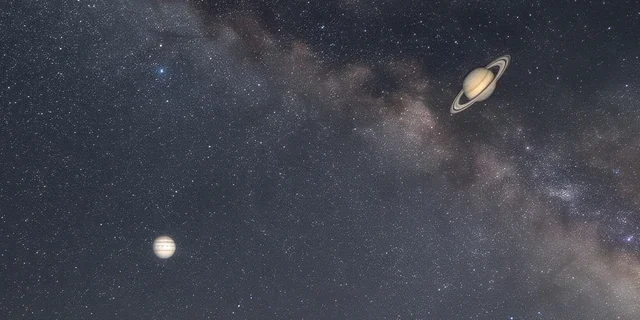
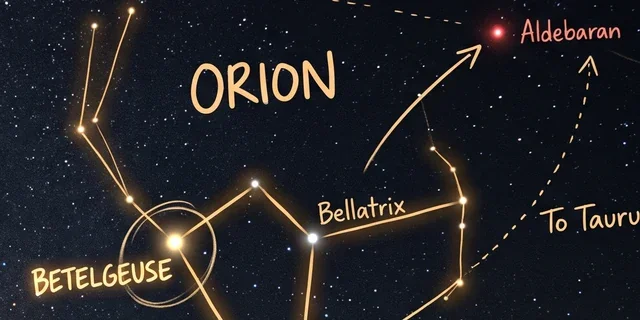
AI-generated skies or images with drawn-on lines and names
AstroTrip identifies constellations in night-sky photos. Close-ups taken through a telescope or telephoto lens aren’t supported yet.
Try a shot with your iPhone.
Open Camera and check that Night mode is on.
It turns on automatically in the dark (iPhone 11 and later).
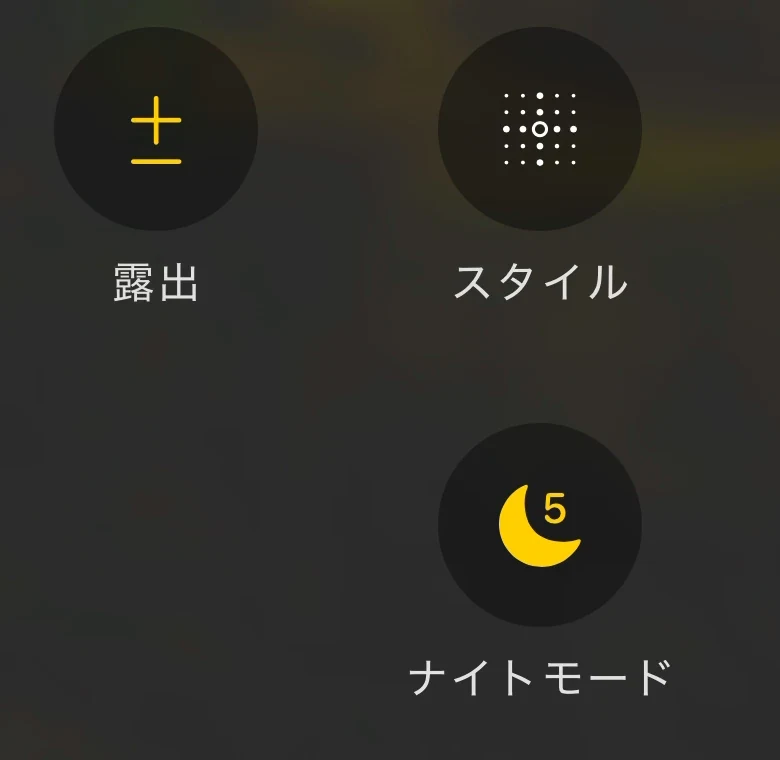
Screens shown in Japanese.
Keep your iPhone steady and point it at the sky.
Use a tripod or rest it on something solid.
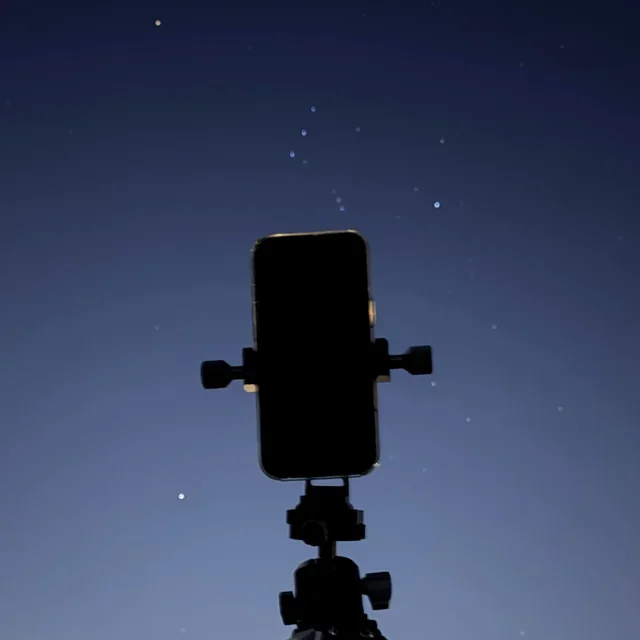
When the shot is done, open it in AstroTrip.
Hold still until the countdown ends, then tap Choose Photo in AstroTrip.

From shot to identification (Tokyo)
Shot in central Tokyo with the iPhone on a tripod, exposure lowered to −1.0 and a 3-second Night mode exposure. AstroTrip identified ten constellations, including Orion.
We test with real photos, from bright skies in central Tokyo to darker skies in the countryside and mountains.
- Set up Camera (Night mode, exposure)about 12 s
- Shoot (3-second Night mode + processing)about 5 s
- Open the photo in AstroTripabout 3 s
- Identifyabout 2 s
Times are as shown in the video. Parts of the setup and import are shortened; shooting and identification run in real time (iPhone 17 Pro Max).
When city lights make the sky look washed out, lowering the exposure a little can keep the sky darker and make stars easier to pick out.
Screens shown in Japanese.
If it doesn’t work
Stars are stretched into lines
Choose another photo, or steady your iPhone and shoot again.
The sky looks washed out and stars are hard to see
Lower the exposure a little, or point away from lights and clouds.
A close-up, an AI image or a drawn-on picture
Use a real photo of a wide area of sky.
Sharp stars matter more than a bright photo.
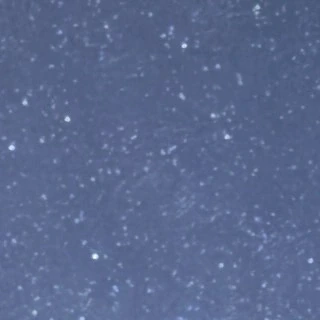
Sharp points: a good first try
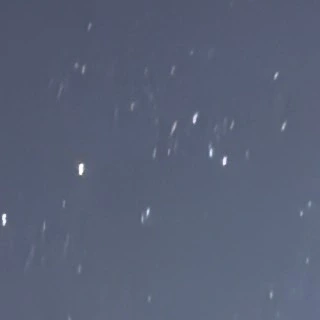
Streaked stars: not recommended
How long should the capture be?
Start with a Night mode capture time of about 3 seconds. Even in bright places such as central Tokyo, you can try about 10 seconds with iPhone held steady.
Adjust for your model, the brightness of the sky and how sharp the stars look. These are starting points, not a guarantee that identification will work.
Can I use photos from a camera, a smart telescope or the internet?
Wide-angle starscapes taken with a DSLR or mirrorless camera are worth a try. Results depend on how sharp the stars are, how much sky is in the frame and how the photo was processed.
Close-ups taken through a telescope or telephoto lens aren’t supported yet. The same goes for close-ups of nebulae and galaxies from smart telescopes.
Real night-sky photos found online can be tried too. Drawn skies, AI-generated images and images with stars added or moved aren’t suitable, and may fail or show the wrong constellations. Use the original photo, without constellation lines or labels added.
If you share a work made from someone else’s photo, please respect the photographer’s rights.
Pricing
Start free. Keep something personal.
All launch features are planned to be free to use. No account, no ads. Standard image saves include an AstroTrip watermark and have a resolution limit.
An optional one-time purchase unlocks high-resolution image saves without the AstroTrip watermark. No subscription.
Prices vary by App Store region. Check the local price in the app at release.
Questions
Do I need a telescope?
No. Take a night-sky photo with your phone’s camera app, then import it into AstroTrip.
What if a photo isn’t identified?
Photos with sharp, point-like stars and a wide area of sky work best. See the shooting tips above. You can also tap “Report a problem (no photo is sent)” on the screen shown when identification fails to let our team know.
Are my photos uploaded?
No. Photo identification, the star chart and astronomical calculations all run on your iPhone, and your photos and results are never sent anywhere. Only when looking up place names and tonight’s weather is a rounded, approximate location sent to Apple services. To improve the app, we collect crash reports that contain no photos or locations.
Is there an Android version?
AstroTrip is currently available for iPhone only (iOS 18 or later).
How do I restore my purchase?
Use the same Apple Account you purchased with, then choose Restore Purchases in the app.
Which languages are supported?
The app can be shown in Japanese, English and Simplified Chinese. The screens on this page are from each language, except a few video scenes shown in Japanese. Use the language links at the top to switch this page.
Support
Support and contact
For app issues, contact our development team. For general questions or product collaboration, use our general contact address.
- App issues
- develop@astrotrip.co.jp
- General enquiries and collaboration
- info@astrotrip.co.jp
Spotted a wrong star or constellation name or position, or want a feature? Please write to our development team too. Your feedback shapes what we improve next.
Software experience meets a love of the sky.
We combine experience in star identification and image processing with an astronomy enthusiast’s perspective. We also welcome conversations with manufacturers about specific products and how people use them.
The current store and its purchasing information are in Japanese.